
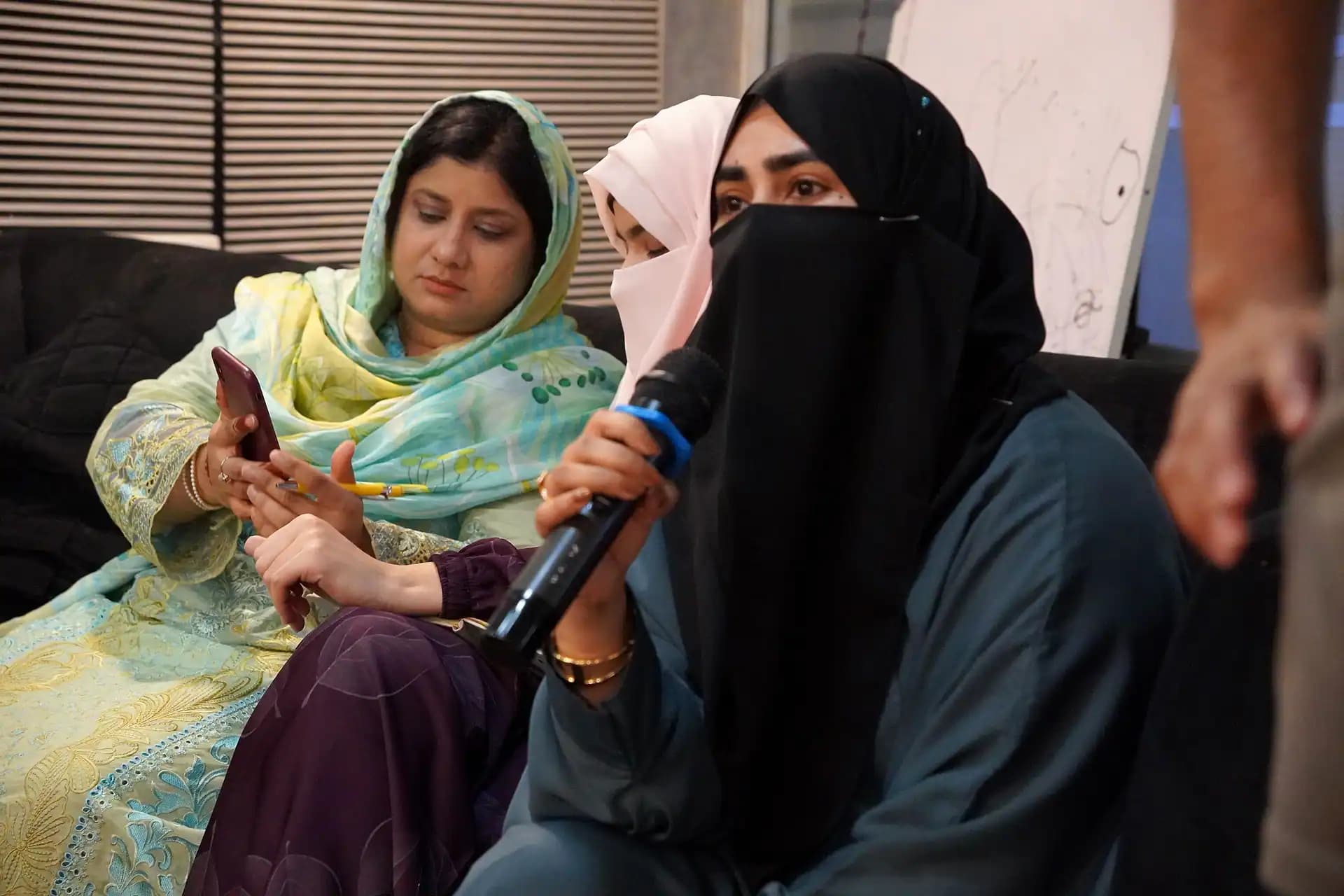
From sending messages by hand to an outreach system
Automated Outreach For Agencies
Most agencies do outreach when someone has free time, so new conversations stop whenever the team gets busy. This session shows you how to build automated outreach that keeps running. You set up one list and one CRM, sequences across LinkedIn and email, and replies that reach a person and end in a booked call. It is three live hours, for digital marketing and software development agencies.
- Three hours, live
- Wednesdays, 2:00 to 5:00 PM Pakistan time
- In person in Lahore and online
This session
- Price
- $125 on its own
- Length
- Three hours, live
- When
- Wednesday, 2:00 to 5:00 PM PKT
- Taught by
- Experienced trainers including Hamid Mahmood, Asim Naeem and Umair Amjad
- Keeps
- Recording for up to two partners, slides, resource pack
Coaching track: Lead Generation
What this session is about
Session Overview
This session shows you how to turn outreach into a system that runs every working day. In many agencies, outreach depends on one person. When that person is busy with delivery, nobody sends messages, and a month later there are no new calls in the diary.
Automation fixes the sending, but only if it is set up properly. Sending more of the same message only gets more people to ignore you. The session starts with the system: who you are writing to, which channels you use, and where a real person takes over the conversation.
Next you connect the tools. A CRM such as GoHighLevel holds one record for each prospect. Your LinkedIn and email tools feed into it, so everyone on your team can see the same conversation.
Then you build sequences across channels that still sound like a person wrote them, at volumes that keep your accounts safe. The session ends with the most important step: getting every reply to the right person quickly and turning it into a booked call.
Messages sent when someone has time
Sequences that run every working day
Leads spread across inboxes and spreadsheets
One CRM record for every prospect
Replies that wait days for an answer
Replies routed to a person and booked as calls
What you can do after the session
What You Will Be Able To Do After This Session
What you can do the day after the session that you could not do before it.
- 01Map an outreach system for your agency: the list, the channels, the order of messages and where a person takes over
- 02Set up a CRM as the hub, so every prospect has one record and your whole team sees the same conversation
- 03Build sequences that move across LinkedIn and email and still read like a person wrote them
- 04Keep sending volumes at a level that protects your accounts and your domain
- 05Route every reply to the right person, book the call, and see what each booked meeting cost you
This session: the outreach system
- Data Extraction And Validation Techniques
- LinkedIn Outreach And Automation
- Email Marketing Campaigns And PPC Tactics
- Facebook Lead Generation Tactics
- SEO Strategies For Agencies
This session builds the system. The LinkedIn and email sessions that follow go deep on each channel inside it.
Here is how the three hours get you there.
The three hours, in the order they run
Full Agenda, Hour By Hour
The three hours run in four parts. Choose one to see what it covers. Each part also shows the same piece of outreach two ways: done by hand, and run as an automated system.
Opening
The outreach system
What it covers
- One list, several channels
- The order of your messages
- Where a person takes over
Done by hand
Someone sends messages when they have a free hour, and nobody knows who was contacted last week.
Run as a system
A written plan for who you contact, on which channel, in what order, and when a person steps in.
Then
The tool stack
What it covers
- A CRM as the hub, such as GoHighLevel
- Connecting your LinkedIn and email tools
- One record for each prospect
Done by hand
Leads sit in three inboxes and a spreadsheet, so two people message the same prospect.
Run as a system
Every tool feeds one CRM, so each prospect has one record and one owner.
Then
Sequences that sound human
What it covers
- Sequences across LinkedIn and email
- Personal details at scale
- Volumes that keep accounts safe
Done by hand
The same message goes to everyone, and sending stops whenever the team gets busy.
Run as a system
Sequences that run every working day, written for one niche, at a pace your accounts can keep up.
To close
From reply to booked call
What it covers
- Routing replies to the right person
- Booking the call automatically
- The cost of each booked meeting
Done by hand
A good reply waits two days in an inbox, and the prospect has moved on by the time anyone answers.
Run as a system
Replies reach a person quickly, the call books itself, and you can see what each meeting cost.
What you keep after the session
Tools And Resources Handed Out
When the three hours end, this is what you keep.
- The slide contentThe session’s slides, to work from when you set up your own outreach system.
- The recordingFor up to two partners from your agency, so whoever runs your outreach can sit the session after you.
- The resource pack and templatesHanded out with the session, alongside the recording and the slides.
- A Q&A thread for this topicIn Basecamp, the members’ online workspace. The people who set the work answer questions there between sessions.
The work after the session
Live Implementation And Homework
The session ends with work on your own outreach, and you set it up in the week after it. The homework is small on purpose: one assignment, not a long worksheet.
- 1
Map your own system
A small assignment after the session: your list, your channels and your first sequence, written for your agency, not for an example.
- 2
Post it to the topic thread
Questions and drafts go to this session’s Q&A thread, where the coaches and the cohort answer.
- 3
Add the channels one by one
The LinkedIn and email sessions that follow plug straight into the system you build here.
What we ask of you
- Turn up live: attendance is the first thing the programme measures.
- Put it into practice between sessions, not only watch.
- Ask in the thread, and help the others.
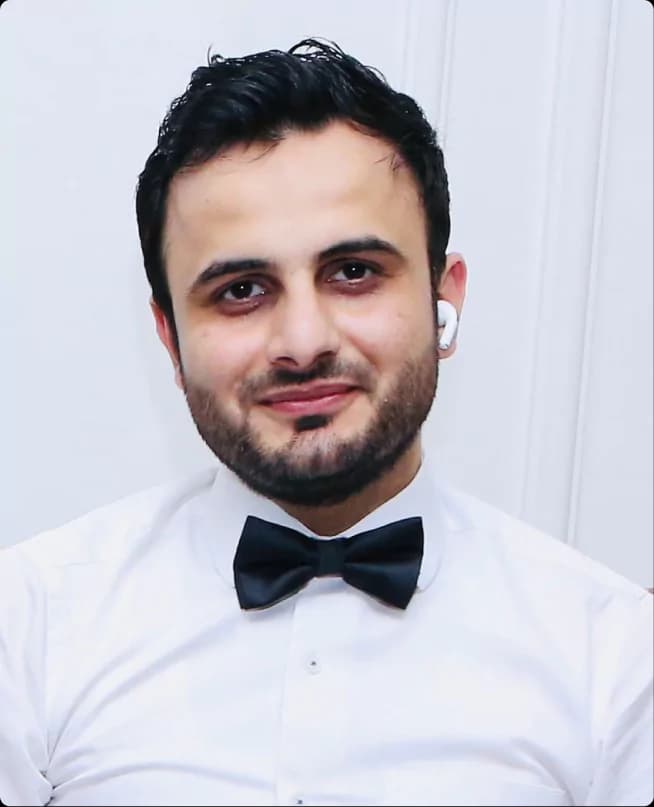
His companies, in the order he built them
- 01HTML ProFixed price projects
- 02Shopify ProMonthly retainers
- 03Software ProStaff augmentation, then partner
The trainers behind the session
Who Teaches This Session
Automated Outreach For Agencies is taught by experienced trainers including Hamid Mahmood, Asim Naeem and Umair Amjad.
This session asks you to stop depending on one person to find new clients and to build a system instead. Hamid built three companies of his own, and each one needed a steady flow of new clients. He moved from fixed price projects at HTML Pro to monthly retainers at Shopify Pro, then to staff augmentation at Software Pro.
Session times in your time zone
Timings For Pakistan, US EST And UK
The session runs every Wednesday while a bootcamp is live, in person at the Software Pro office in Lahore and online at the same time.
Pakistan
2:00 to 5:00 PM
PKT
All year
United Kingdom
10:00 AM to 1:00 PM
BST in summer, GMT in winter
9:00 AM to 12:00 noon in winter
US Eastern
5:00 to 8:00 AM
EDT in summer, EST in winter
4:00 to 7:00 AM in winter
The US slot is early, which is why every session is recorded for up to two partners. Start dates are set per intake and confirmed with your seat.
See the next start dateHere is how to take your seat.
One session, one price
How To Book Just This Session
$125for this session
- The live seat for three hours
- The recording for up to two partners
- The slides and the resource pack
Also included in
- Tier 1, any six sessions$599
- Tier 2, all fourteen sessions$999
- Tier 3, all fourteen plus dedicated hours$1,499
Mastermind members attend every bootcamp held during their one year membership, free.
Featured answer
What does the Automated Outreach For Agencies bootcamp session cover?
It is the LeadGenDone bootcamp session on building outreach that runs as a system, not as a task one person does when there is time. In three live hours it covers one list across several channels and a CRM such as GoHighLevel as the hub. It also covers sequences across LinkedIn and email at safe volumes, and routing every reply to a person who turns it into a booked call. It can be bought on its own for $125.
- Three hours, live
- Lead Generation track
- $125 on its own
Questions about this session
FAQs
How is this different from the LinkedIn and email sessions?
This session builds the system, and those two sessions go deep on one channel each. Here you set up the list, the CRM and the sequences that move between channels. In the LinkedIn and email sessions you learn each channel’s profile, copy, tools and sending rules, then plug them into this system.
Will automated messages make my agency look like spam?
Not if they are set up the way this session teaches. Every sequence is written for one niche, uses details about the prospect, and runs at volumes that keep your accounts safe. A person always answers the replies, so the conversation that matters is never automated.
Do I need to buy expensive tools before the session?
No, you do not need to buy anything first. The session shows how the pieces fit together, with a CRM such as GoHighLevel as the hub, so you can see what you need before you pay for it. Many agencies already have part of the stack.
How does this session fit with the rest of the bootcamp?
It sits in the Lead Generation track with data extraction, LinkedIn outreach, email and PPC, Facebook lead generation and SEO. Each can be bought on its own for $125, and a set of six is $599. Taking the data session first gives your system a clean list to send to.
Build outreach that keeps running
Reserve Your Seat
Three live hours on one list, one CRM, sequences across LinkedIn and email, and replies that become booked calls, for $125. Or join the mastermind and attend every bootcamp held during your one year membership, free.
Recording for up to two partners. The mastermind is capped at twenty agencies.